
All draws & results are detailed in Rugby Xplorer either online or via the Rugby Xplorer App.
Quick tip” if using rugby Xplorer online, type “Karaka” in the “Team” dropdown menu and it will show you just the Karaka Teams
Download the Rugby Xplorer App from either the Apple App Store or Googleplay.
Once you have downloaded the Rugby Xplorer App, follow these instructions to access your team draws.
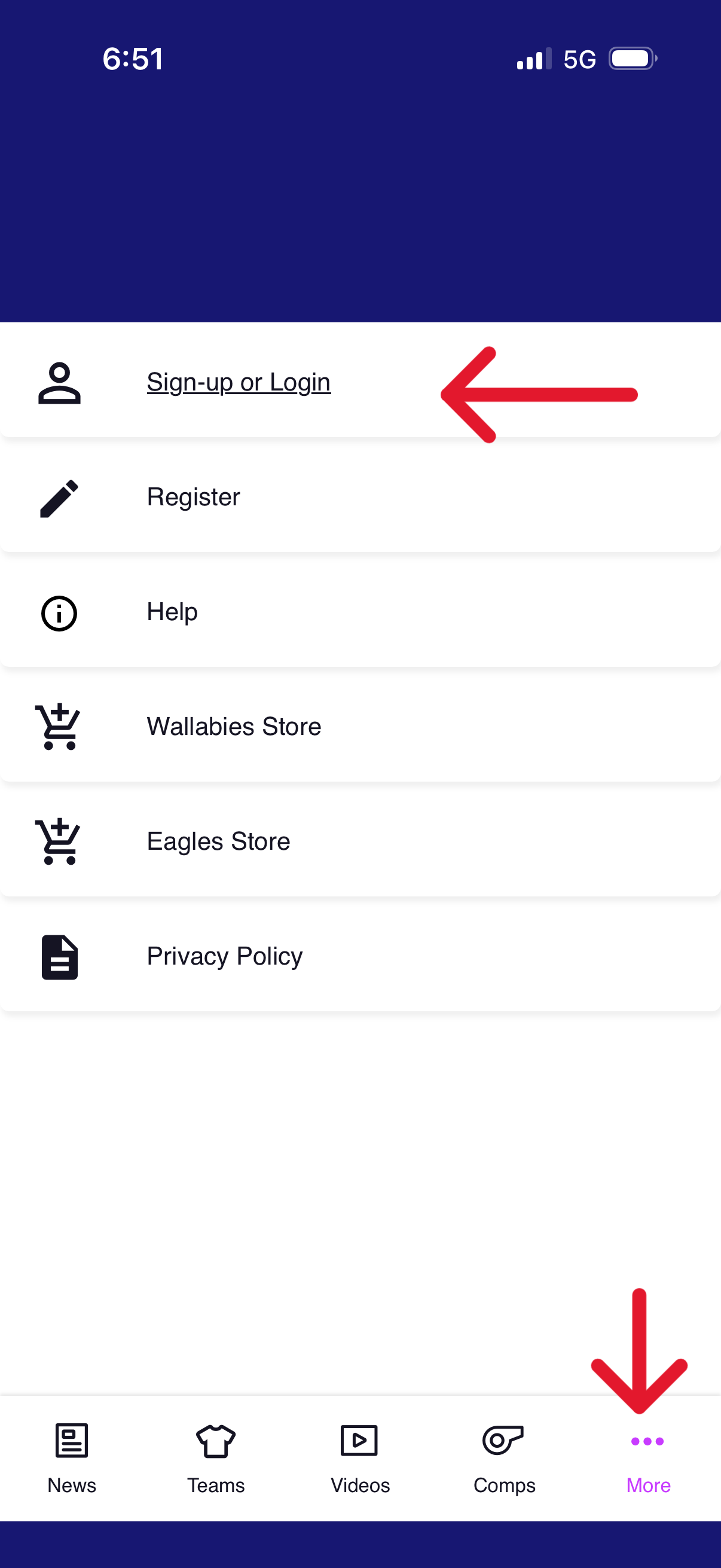
1) In the Rugby Xplorer app select the “More” button in the bottom right corner and then select “Sign-up or Login”
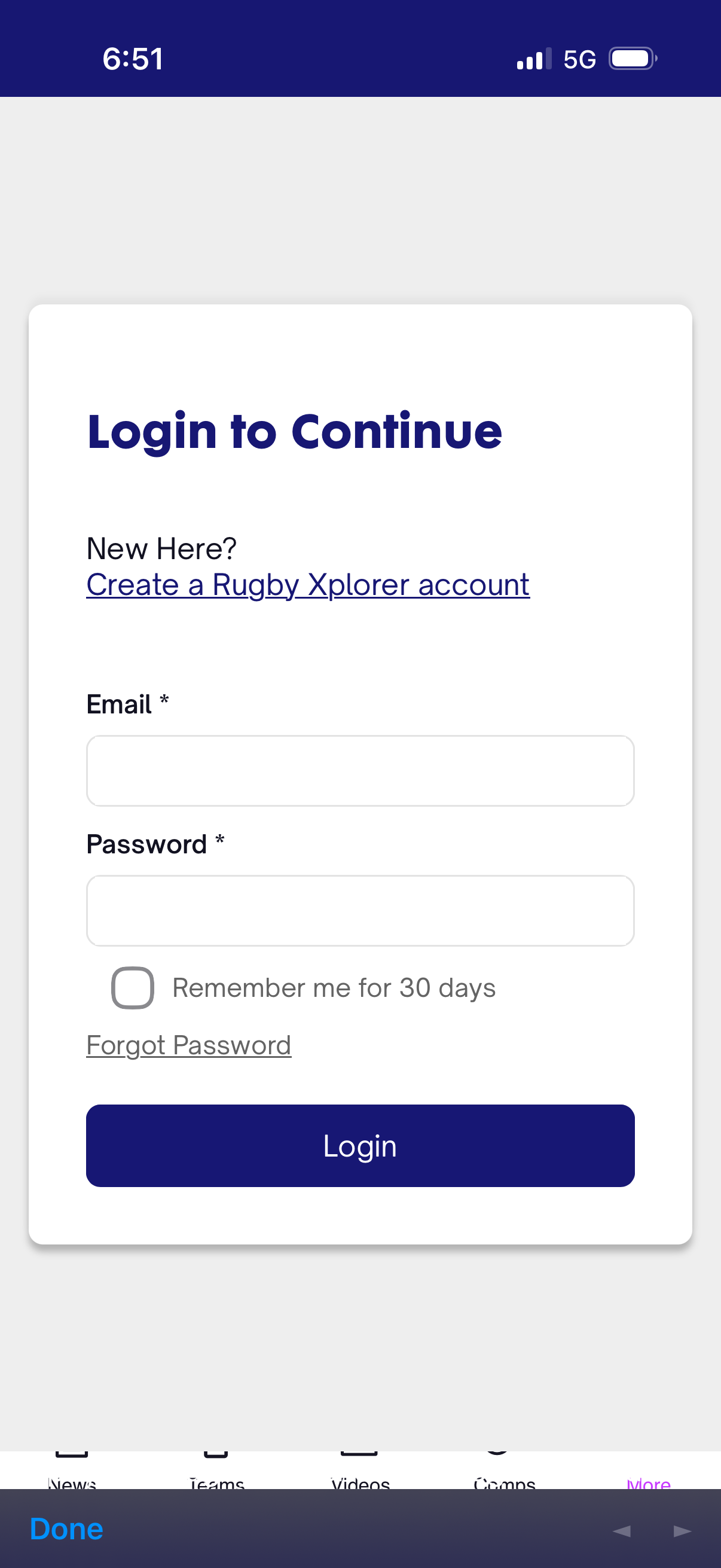
2) Log into Rugby Xplorer.
Note: (You would have had to register your player/s at the begining of the season using Rugby Xplorer, so you should already have a Rugby Xplorer login)
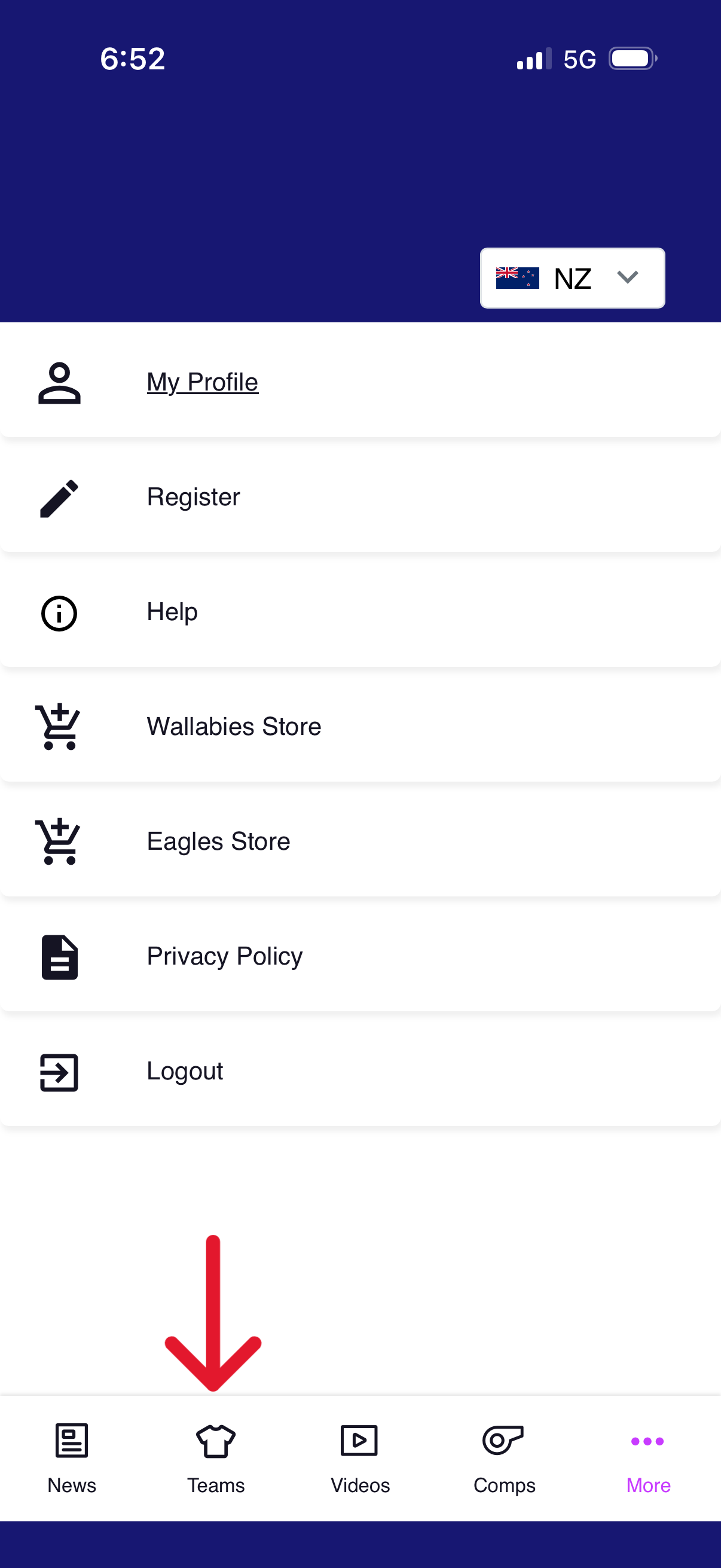
3) Select “Teams”
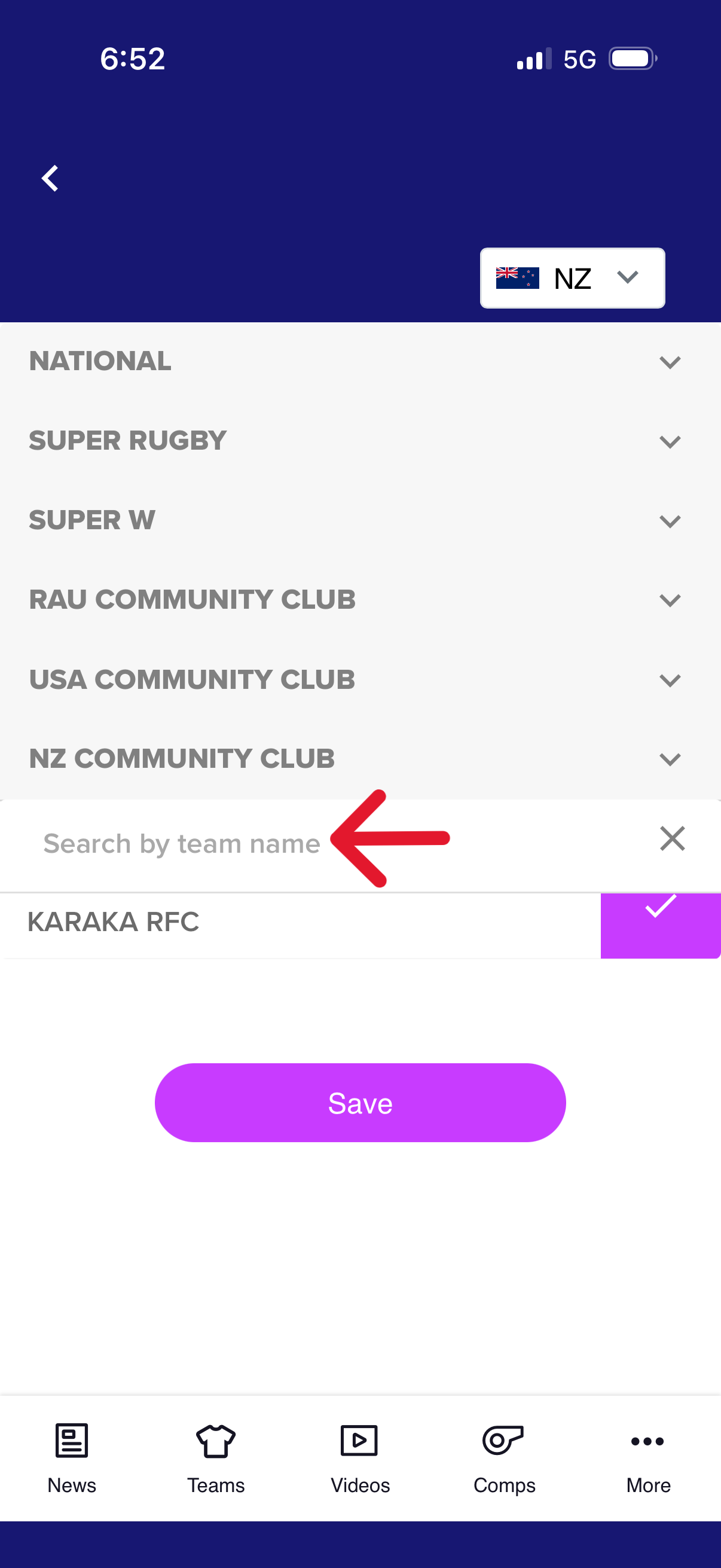
4) Click on the “NZ Community Club”, Then Search Karaka RFC, Tick it and then push save
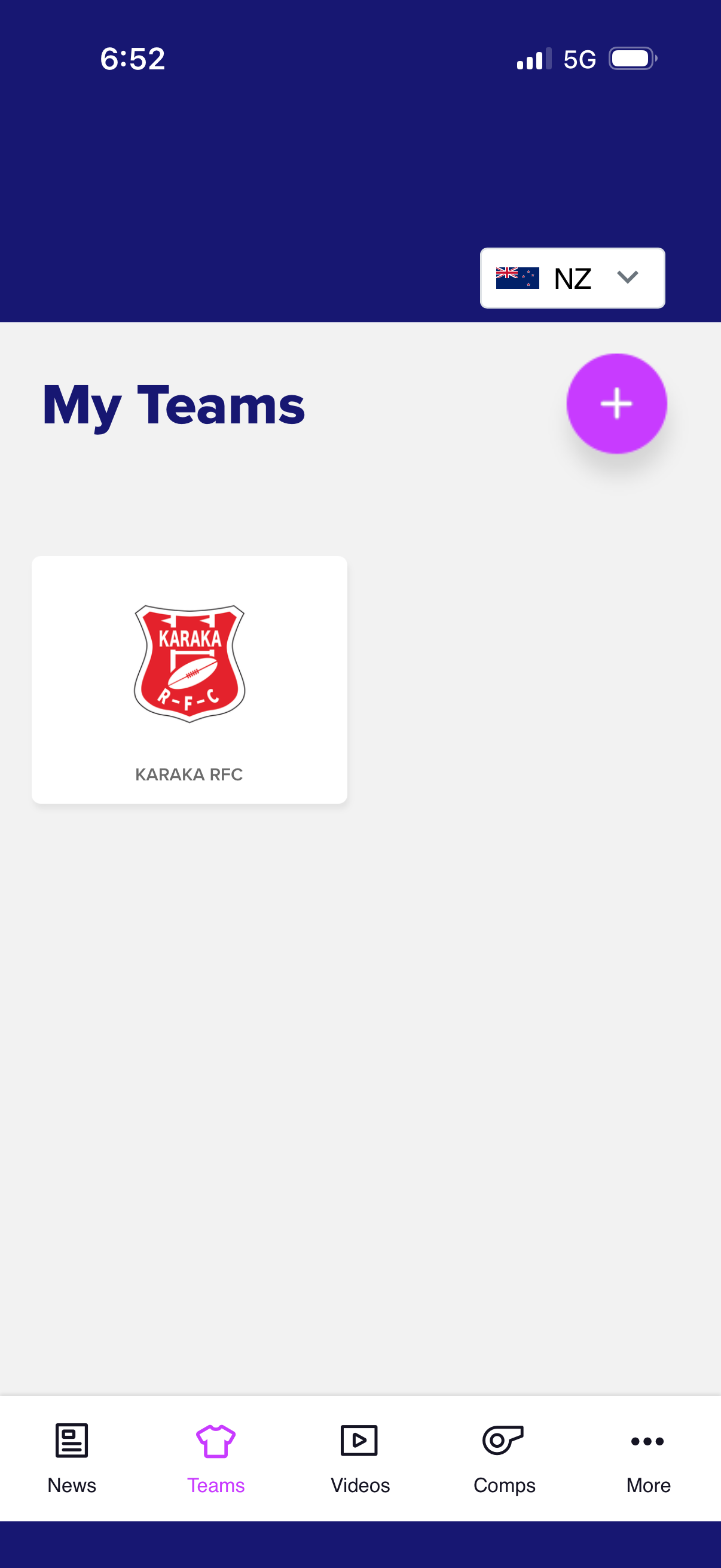
5) The Karaka Club should then appear on your screen like this
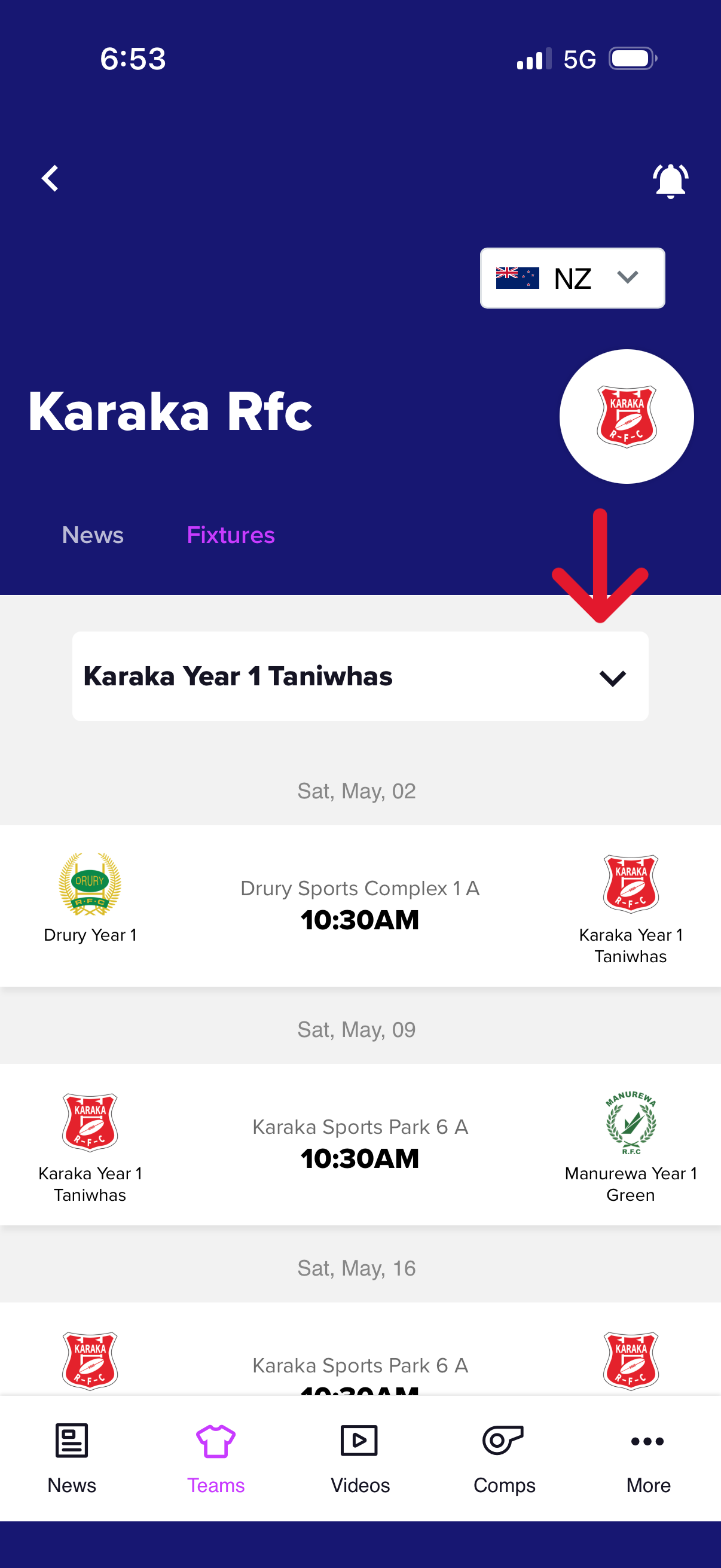
6) Select the team you want to see the draw for from the drop down menu
Field Maps
Click each destination to download / view the maps